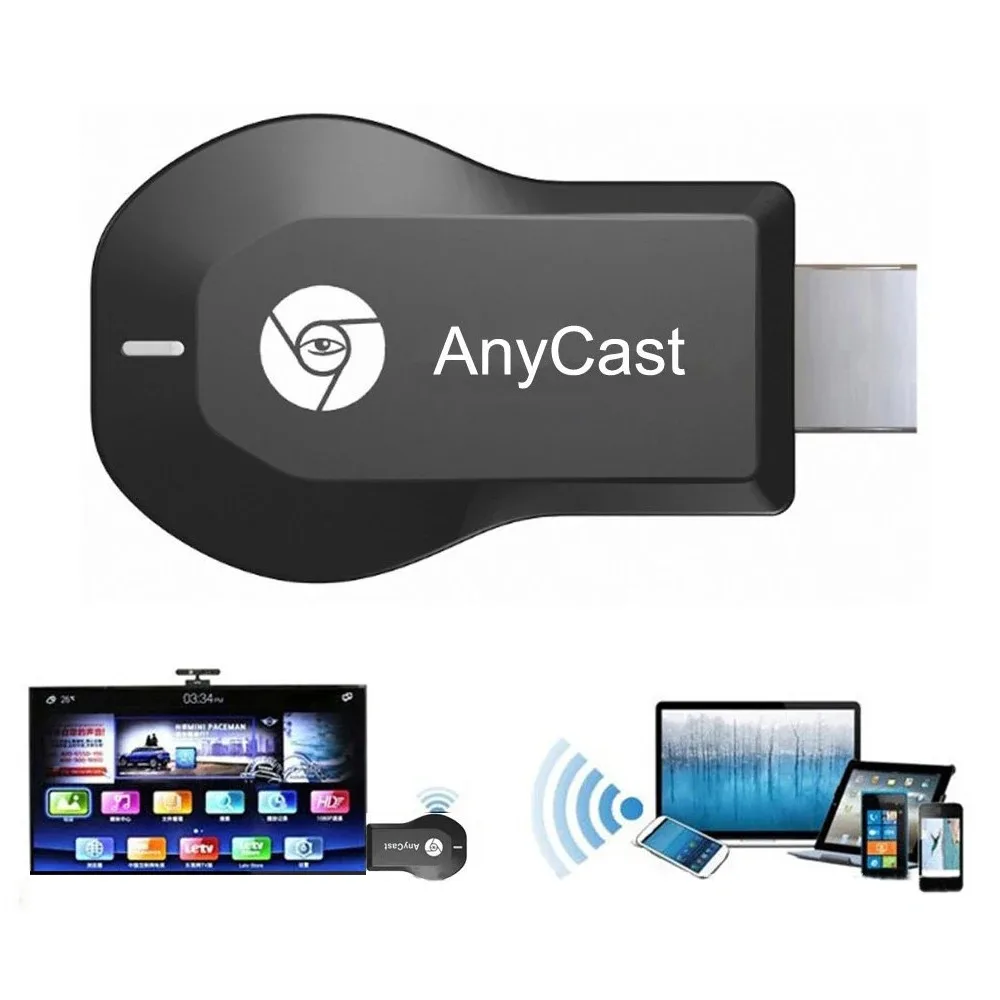
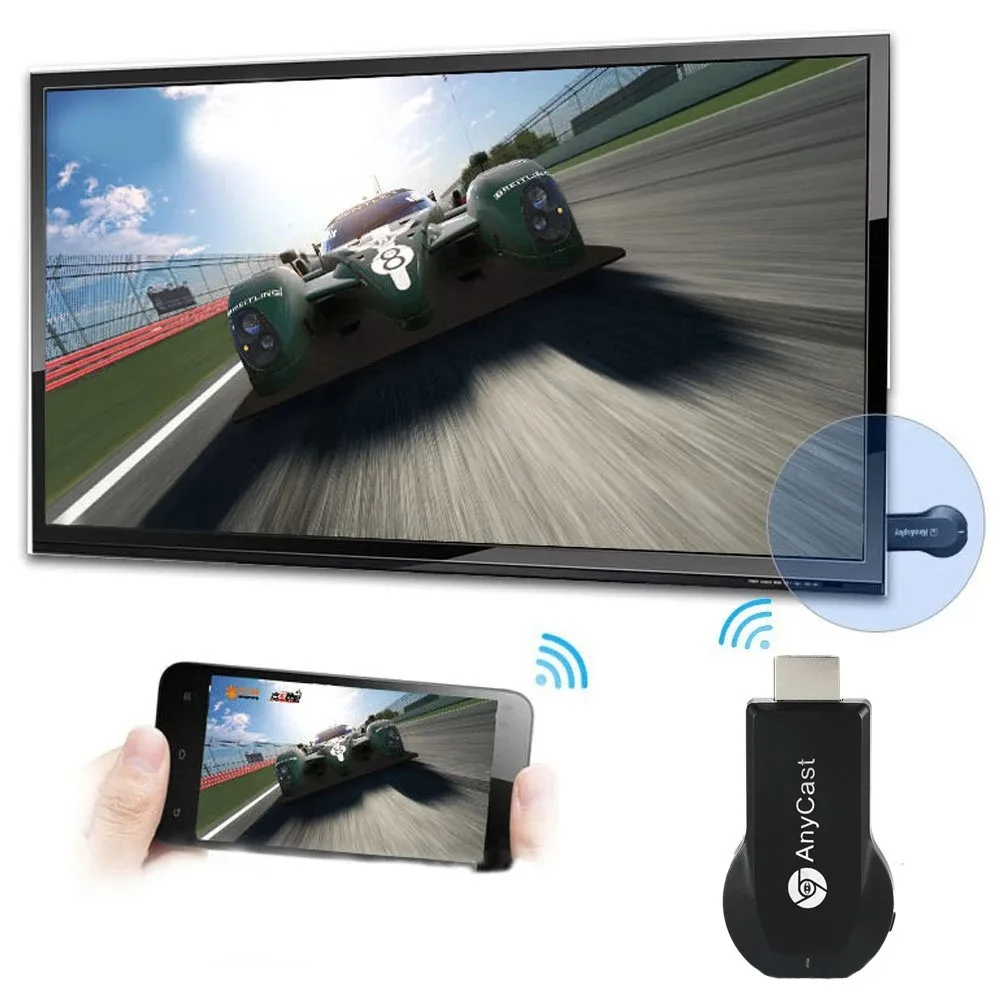
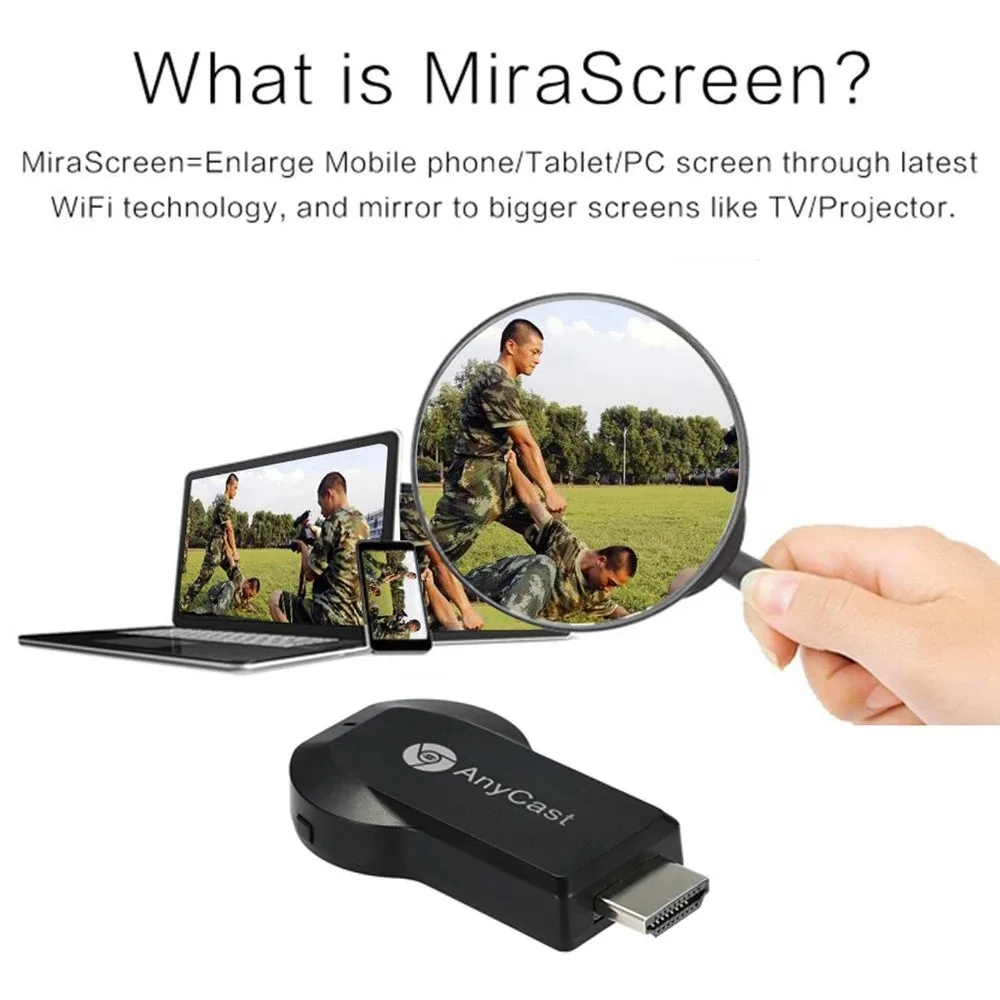
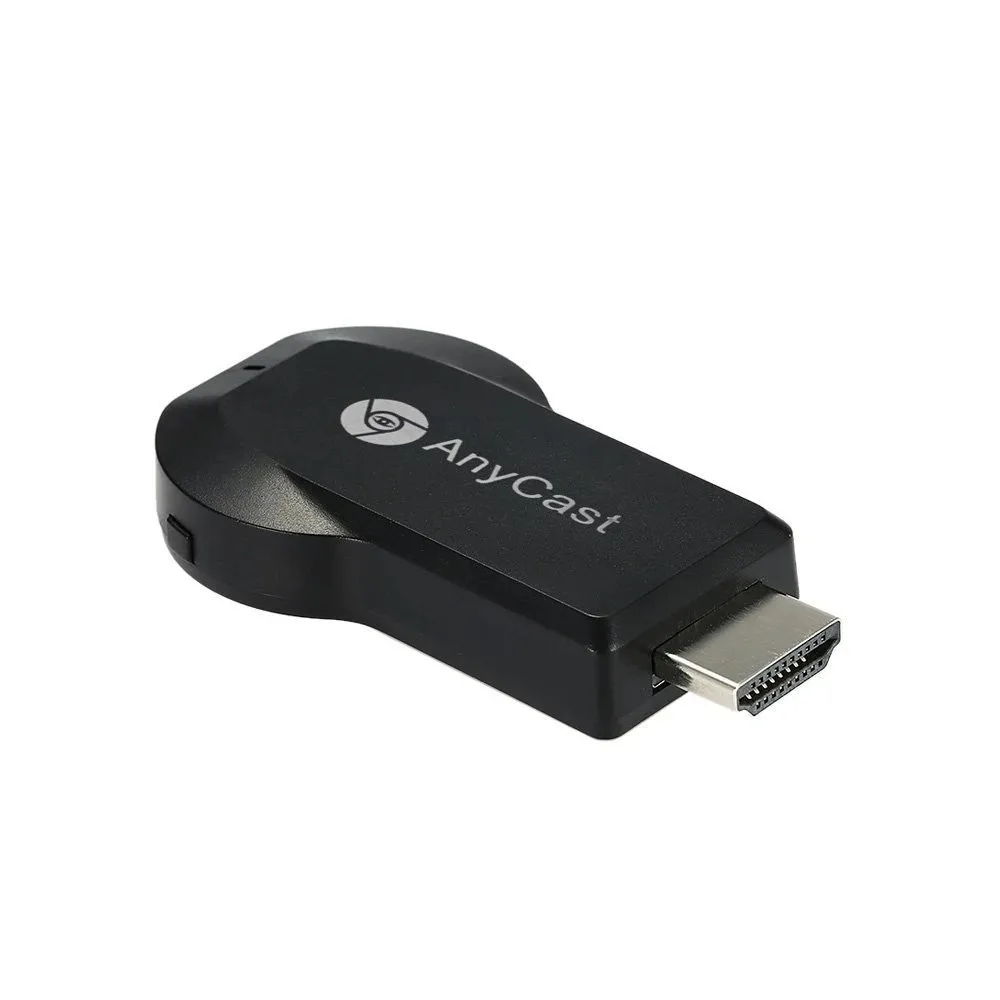
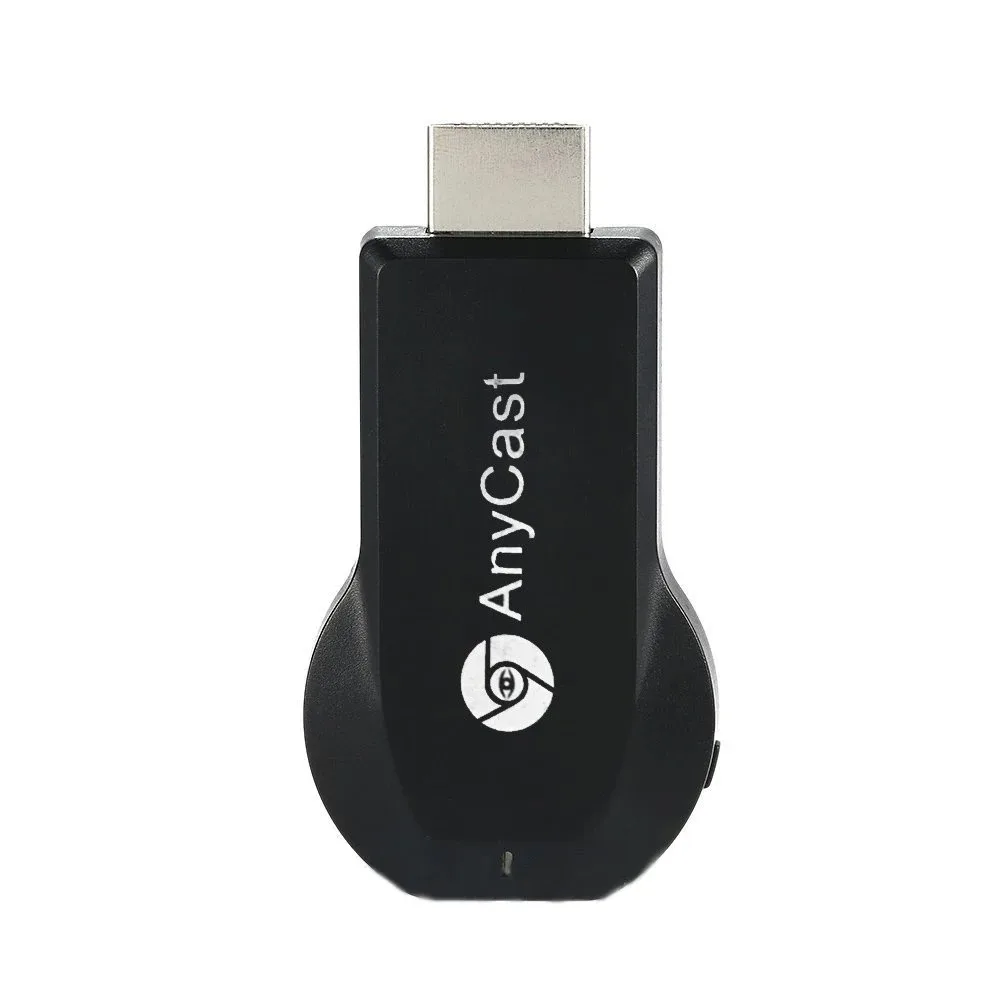
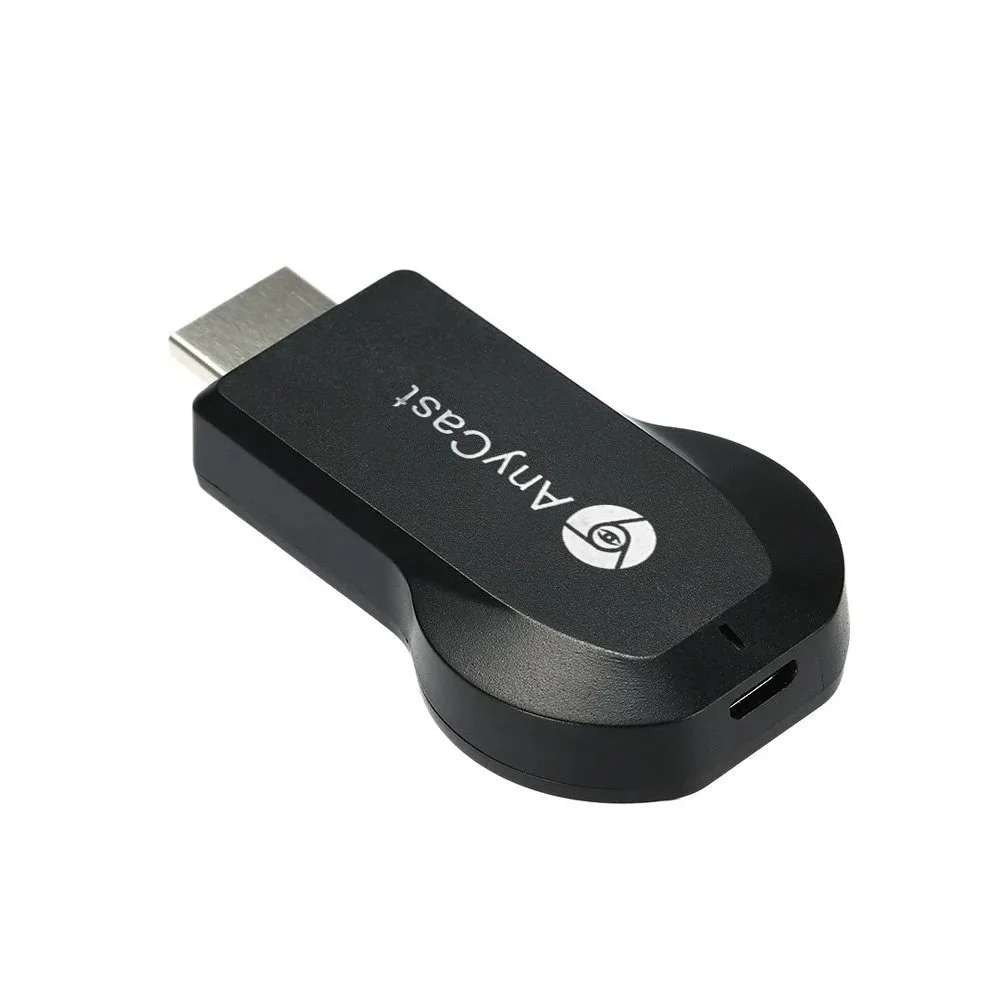
M2 Plus TV Dongle Wifi Wireless 1080P HD Display Receiver Adapter IOS Airplay Android Mirror Screen for HDTV Projector Monitor
M2 Plus TV Dongle Wifi Wireless 1080P HD Display Receiver Adapter IOS Airplay Android Mirror Screen for HDTV Projector Monitor
Regular price
$35.97 USD
Regular price
$0.00 USD
Sale price
$35.97 USD
Quantity
Couldn't load pickup availability
SPECIFICATIONS
Connector Type: WIRELESS
Model: M2 Plus
Brand Name: EQP
Origin: Mainland China
Choice: yes
semi_Choice: yes
Features:
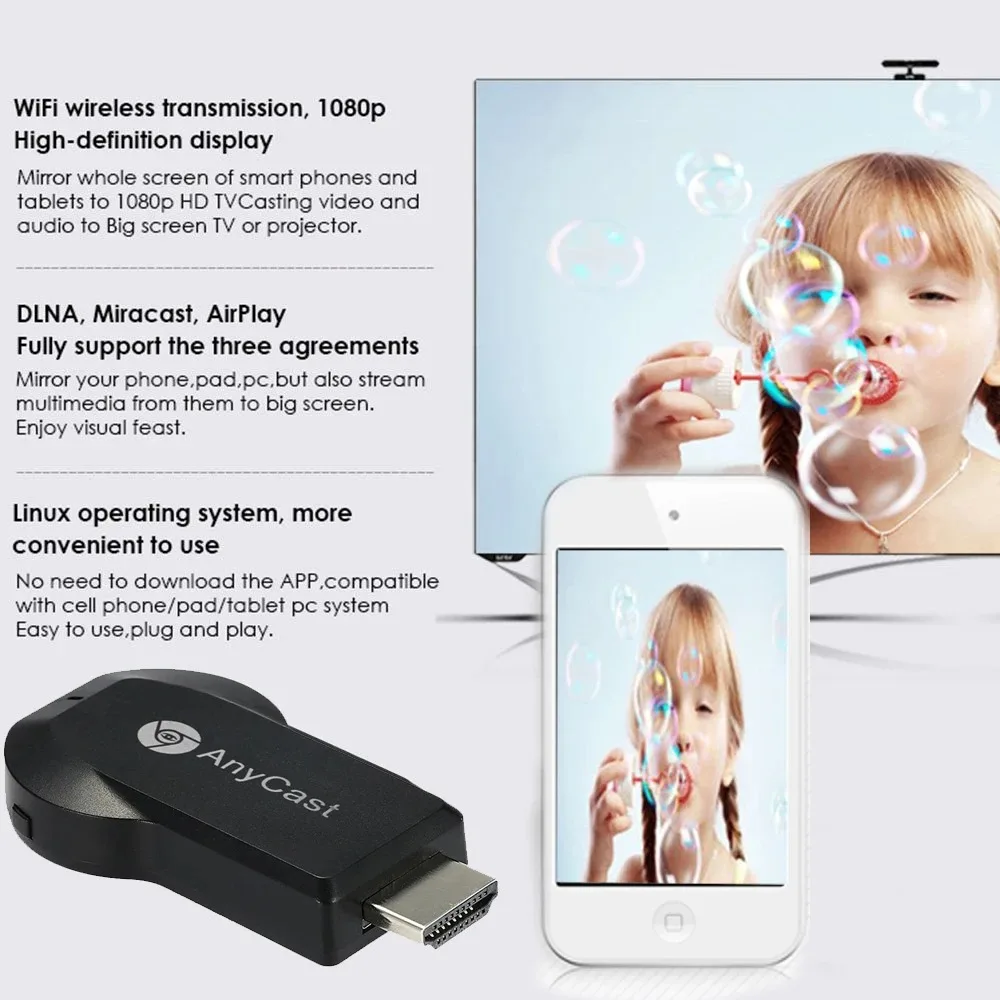
No need to install APP and supporting one button switch, easy and convenient to operate.
Ultra low power consumption, and low heat.
With compact portable design for easy carrying.
Support for IOS / Android / Windows / Mac operation system.
Great sharing and performance for your video, excel, PPT, PDF and other files.
Suitable for projectors, smartphones. Tablets, laptops,for ultrabooks, etc.
Specifications:
Applicable devices: smart phones, tablets, laptops
Compatible system: for IOS, for Android, MacOS, for Windows8.1/10
Memory: DDR1Gbit
Interface type: HDMI-compatible
Resolution: 1080p at 30Hz
Power supply: 5V 2A
Color: black
Size: 65x38x11mm/2.56x1.50x0.43"
How to use:
The first step: Push the Product into the TV HDMI-Compatible high-definition interface
The second step: the wireless connector needs to connect the power adapter (standard 1A) and then connect the power
third step:
1. Connect the product WiFi
2. Open the URL 192.168.49.1 click the first icon, connect the home personal wifi, exit the interface after the success;
3. for IOS phone / tablet pull the shortcut bar to open the mirror to achieve the same screen; for Android phone to set the screen
Screen Sharing or Media Out, for Screen Mirroring, Projection Screen, for WLAN Display, Wireless Display.
Enjoy wireless display technology!
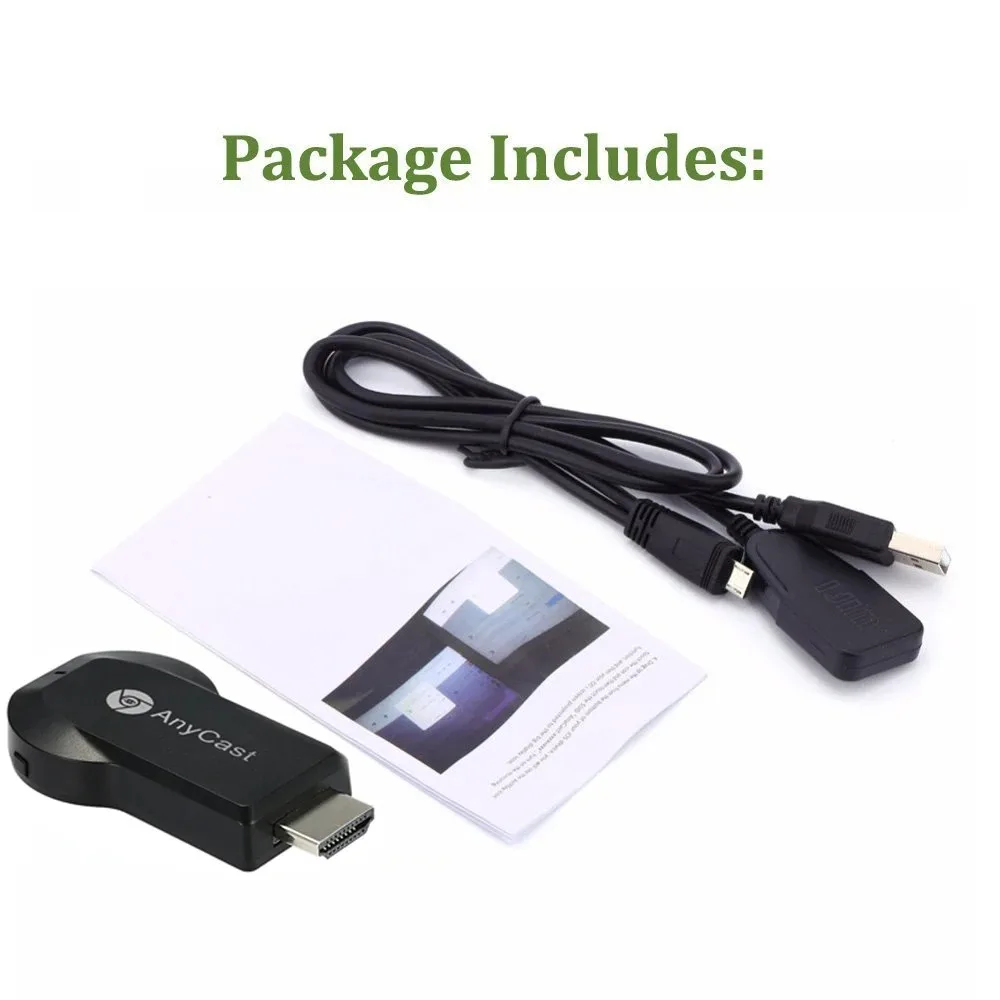
Package Included:
1x Wireless Wi-Fi Display Dongle Receiver
1x USB Cable with Antenna
1x User Manual
Q&A
Q:how to connect the for Android system phone
A:Product default is the for ios system, you need to press the side of the switch key to switch for Android system.
Q: Why it can't work with HDMI-Compatible adapters?
A: Please use this product to TV HDMI-Compatible Connector/Interface directly. Because if you use HDMI-Compatible adapters, the signal will be weaken, then it can't work.
Q: Why the screen breaks?
Q: Because the voltage is not enough, so we suggest you use 5V 2A to charge it.
Note
1.We don't offer retail package,but we will pack it well before shipped out.
2.Please allow 0-1cm error due to manual measurement. plz make sure you do not mind before you buy.