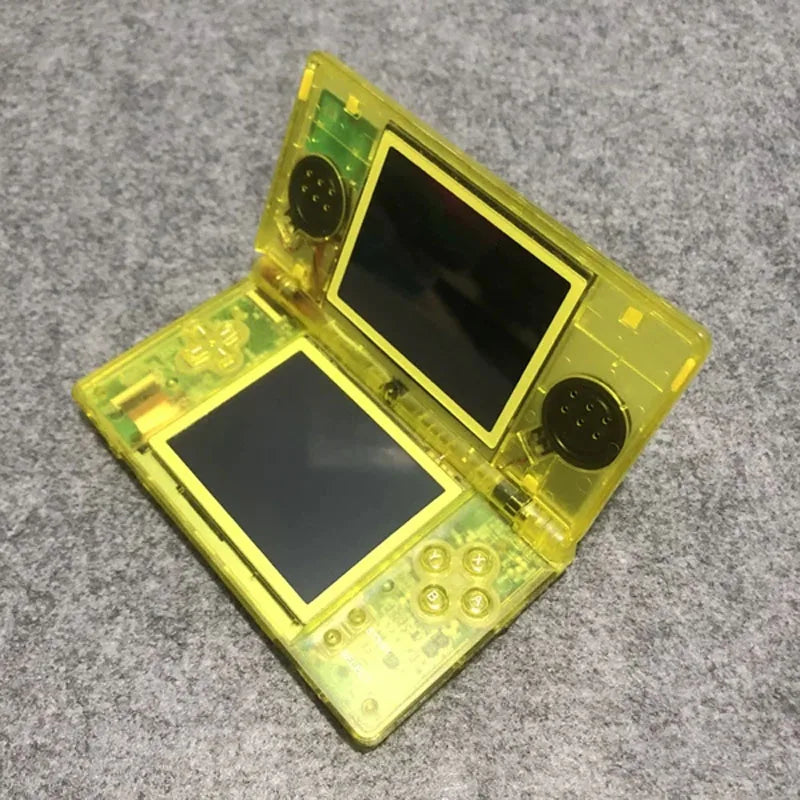
Game Handheld Console Comes Classic retro Refurbished Machine Shell Replacement Machine Suitable for Nintendo GBA NDS NDSL
Game Handheld Console Comes Classic retro Refurbished Machine Shell Replacement Machine Suitable for Nintendo GBA NDS NDSL
Couldn't load pickup availability
SPECIFICATIONS
Battery Included: Yes
Bluetooth-compatible: Yes
Brand Name: NONE,Nintendo
Category: Handheld Game Players
Certification: CE
Color Display: Yes
Display Size: 3.0"
Games Type: x
Games included: x
High-concerned chemical: None
Motion-sensing technology: Handheld
Operating System: Android
Origin: Mainland China
Package: Yes
Portable console: retroid pocket flip 2
Regional Version: Japan Version (Multi-language)
Screen Resolution: 320x480
Supporting Language: English,Japanese
Type of devices: Xbox One,xbox,Other,PS,Nintendo Switch
WIFI: Yes
handheld game console: retro games console
nintendo switch: retroid pocket 5
nintendo switch 2: Consoles
portable games console: playstation 5
r36s: anbernic
switch 2: video game consoles


Regarding archiving instructions:
Instant save itself is not perfect, and some games are not very compatible. If you need instant save, you can follow the instructions below. For those that cannot be saved instantly, you can use the game's built-in save. Please note.
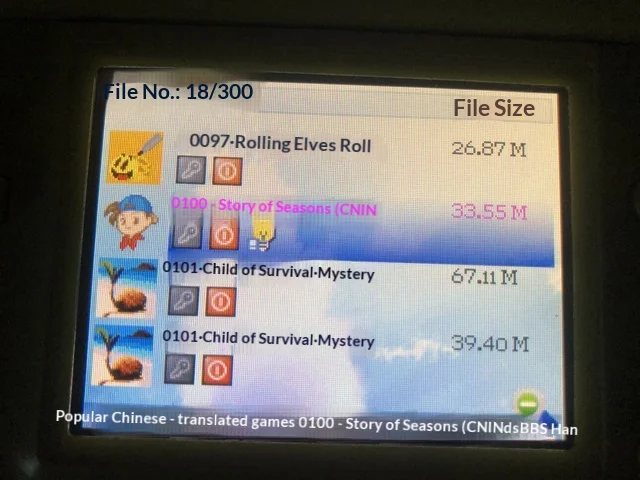
Instant Archive Graphic Tutorial: Taking NDSL Machine Operation as an Example, the same operation is performed after entering the flashcard interface
Go to the flashcard option, enter the game directory, do not enter the game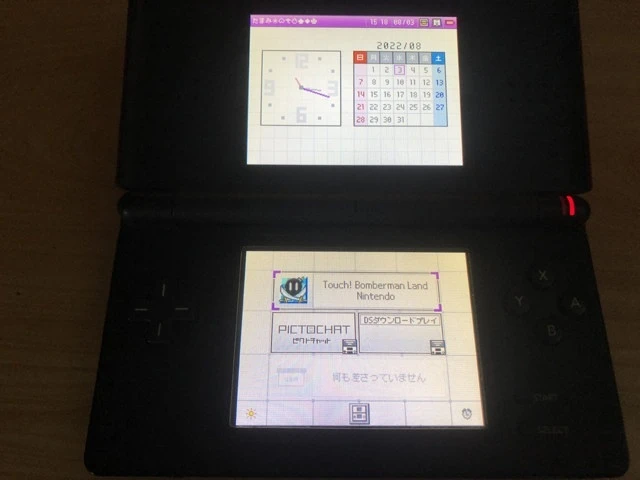
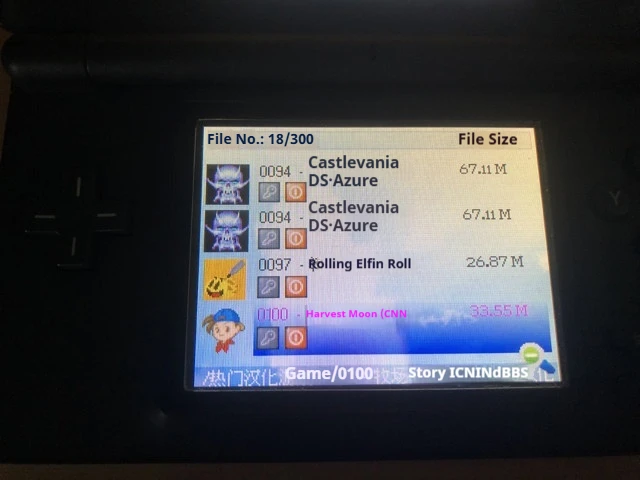 Click on B, the following image will appear. Check the option for the golden finger you want to enable
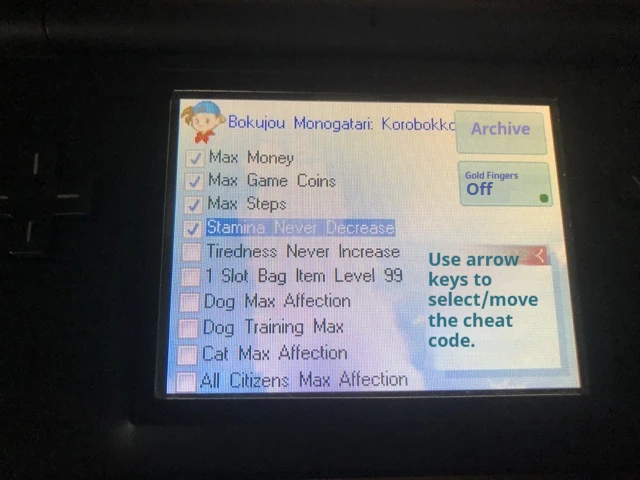 Press B again, click on instant save, select add save, add save B, C, D...
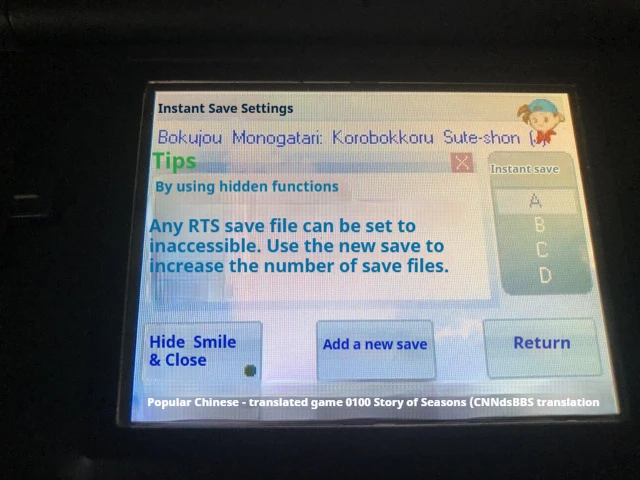 Press B for the third time, select all options to enable instant save, gold finger, soft reset
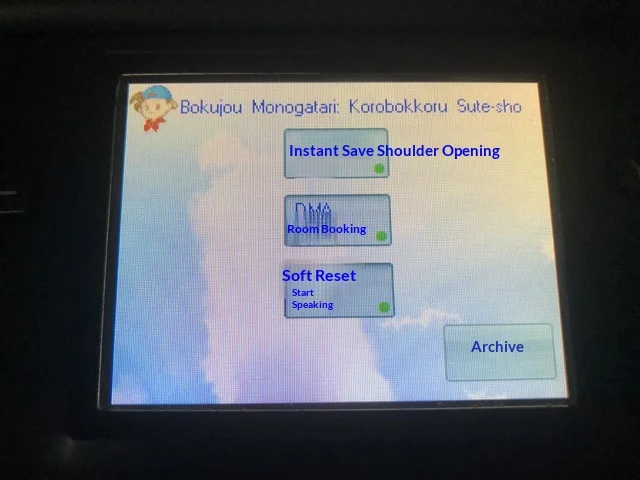 After all are turned on, press B to return to the game directory and enter the game
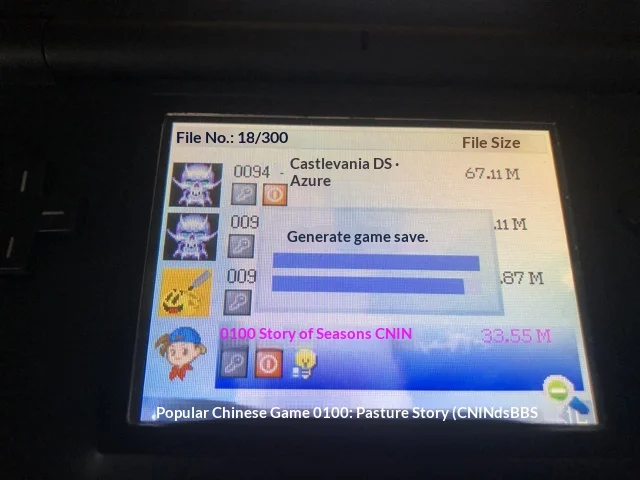 play game
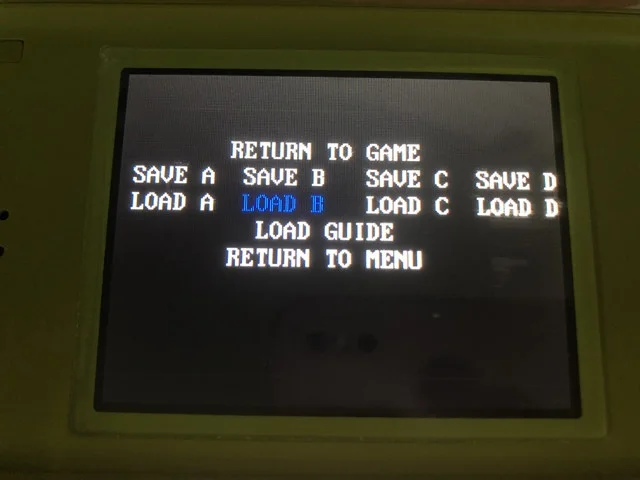
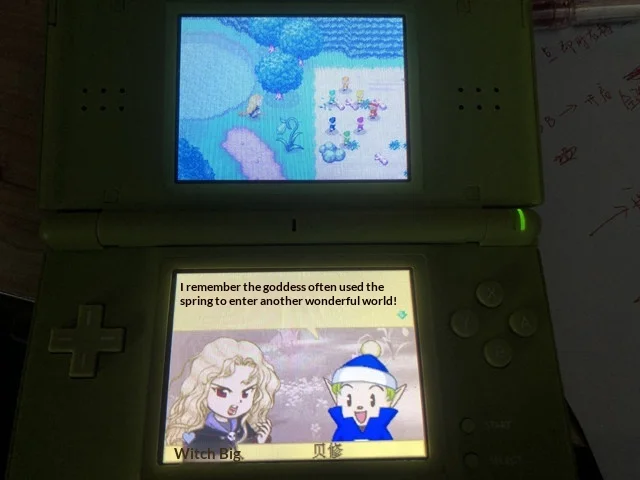 After not playing, press the L+R+A+B keys simultaneously to pop up the menu,
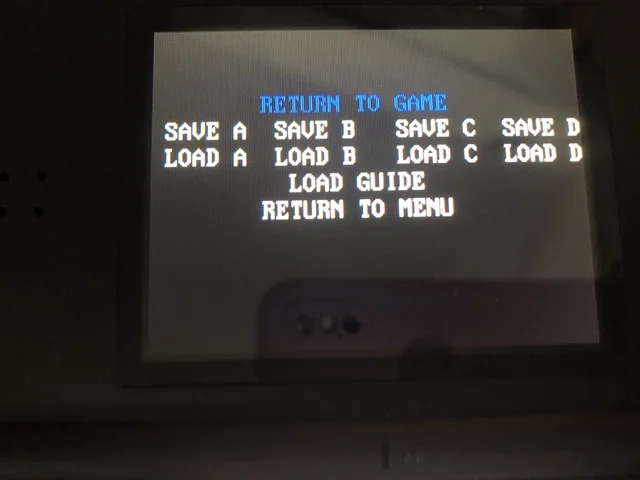 Automatically return to the game node
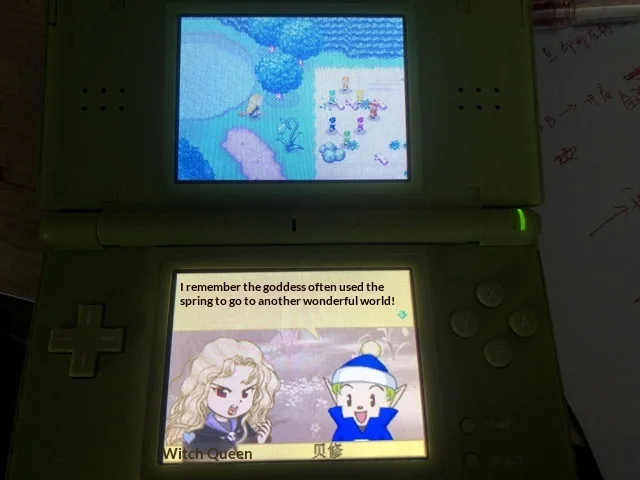 Press the L+R+A+B keys simultaneously to enter the menu. Select the last option to reset and return to the game directory
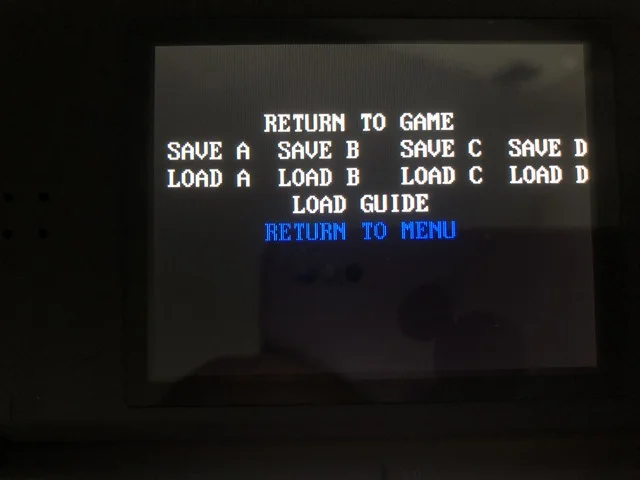 Next time you enter the game, simply press the L+R+A+B keys simultaneously and select LOAD B to read the saved files